
How RbPkr fits at the table
RbPkr is the shared dealer for your home game. It handles the deck, keeps the table in sync, and lets everyone see more hands with less downtime.
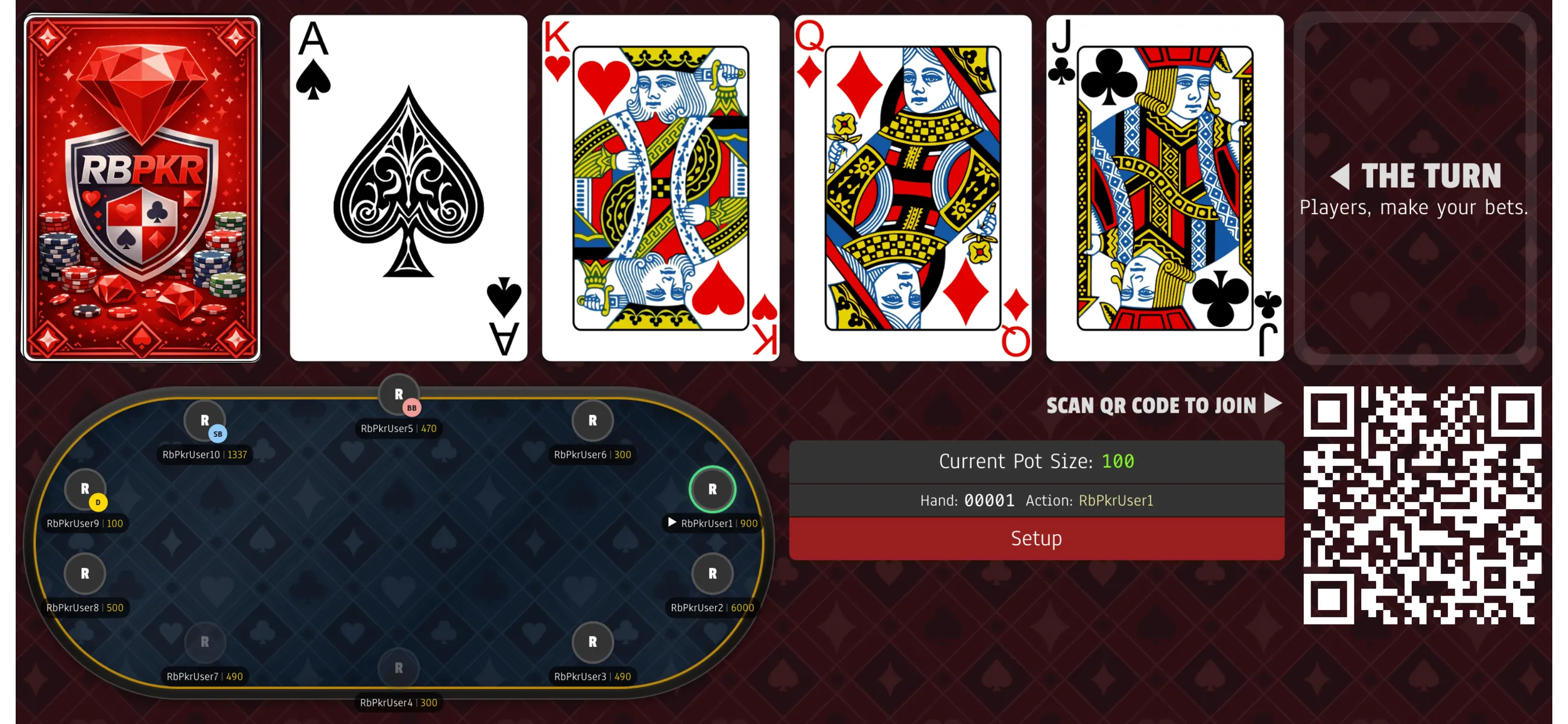
Ok, I created a game. Now what?
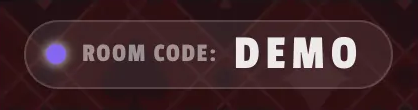
Share the room code with your friends, or better yet, have them scan the QR code directly from their devices.
What you need to play
- One shared screen (TV, tablet, or laptop) for community cards
- A phone for each player to view their hole cards
- Physical chips or cash (or enable chip tracking)
- One person to act as the game manager
The game manager controls the flow
The game manager is the only player who can advance each hand. On the shared screen, tap the small table graphic in the bottom-left corner to open player management tools. They can also do the following:
Assign the Dealer Button
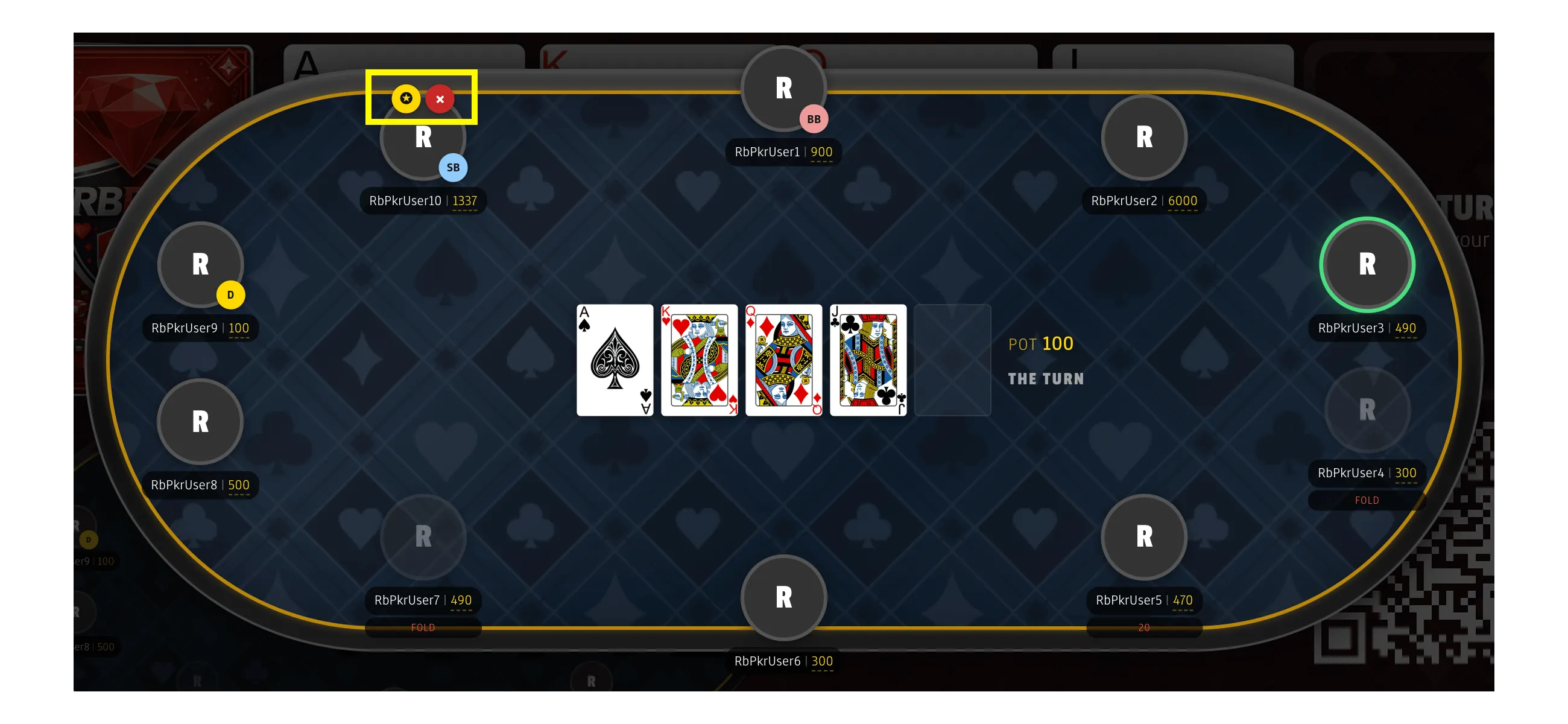
Use the ✦ icon to assign the dealer button to a specific player in the game. The dealer button automatically moves clockwise after each hand and helps indicate which player is the dealer as well as who is in the blinds.
Change the Ordering of Players
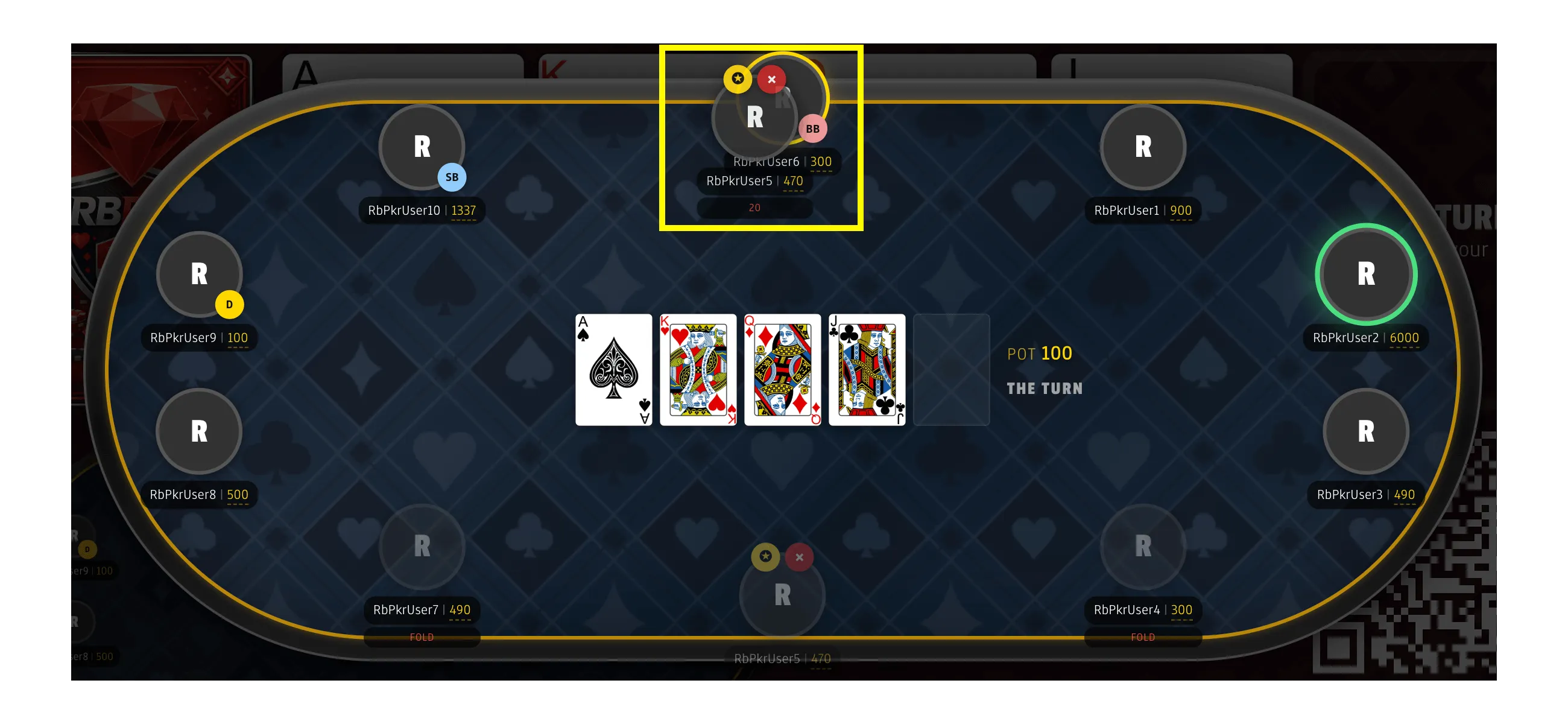
Drag and drop player avatars to update the order of play. This helps when seats change or someone joins late.
Setup menu and options
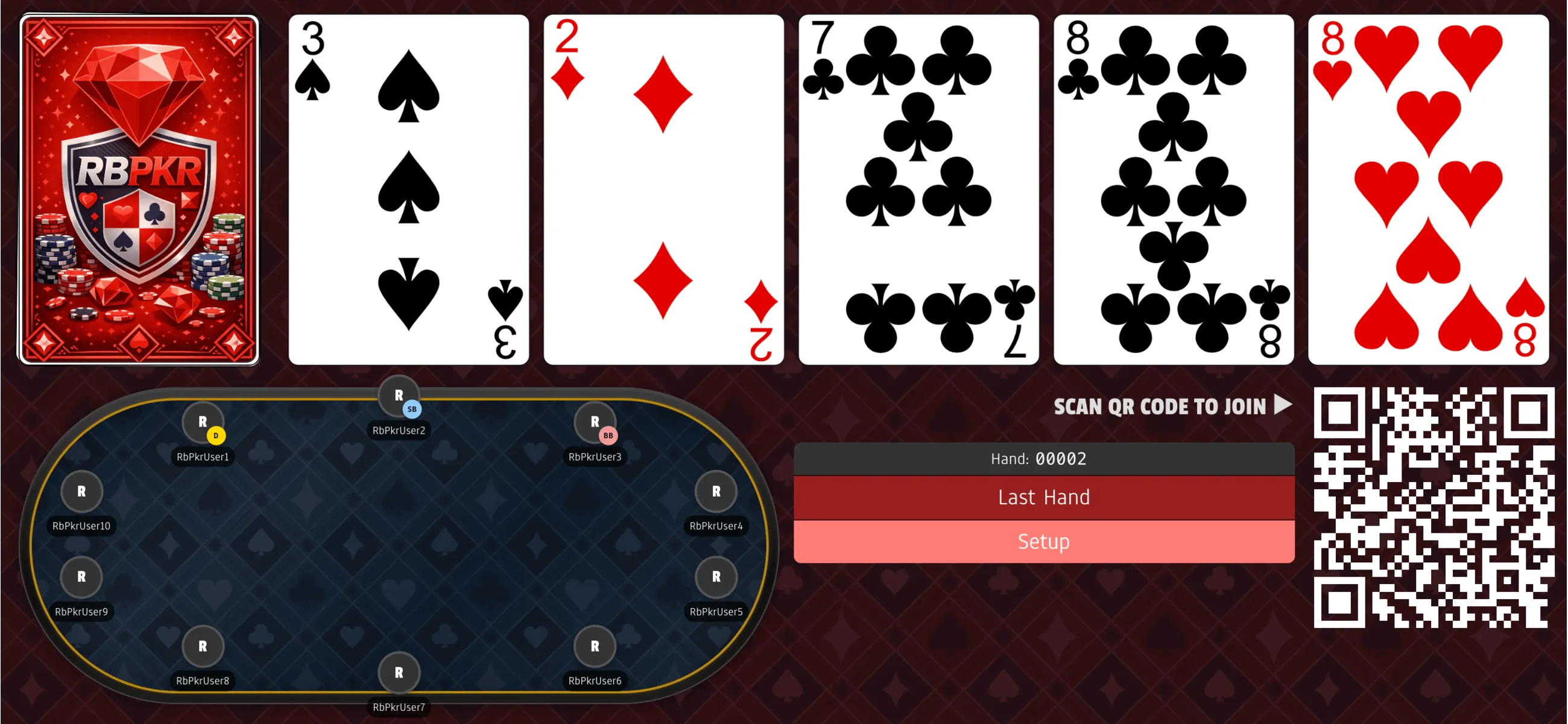
Setup to adjust blinds, starting stacks, chip tracking, and game preferences for the table.
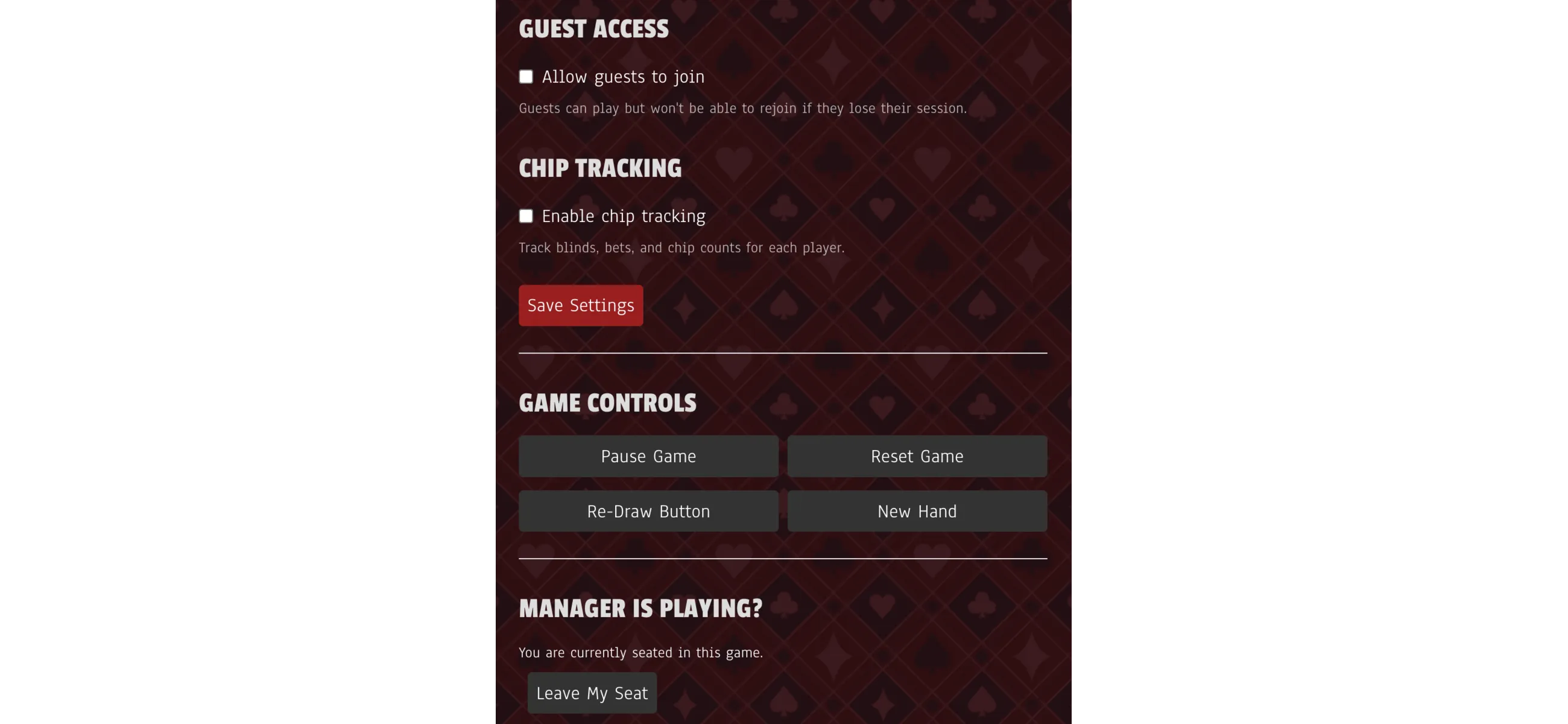
These settings are where you decide whether the game is cards-only or chips-enabled.
Chips enabled
When chips are enabled, the game tracks pot size and action order to keep live play moving.
Editing chip counts
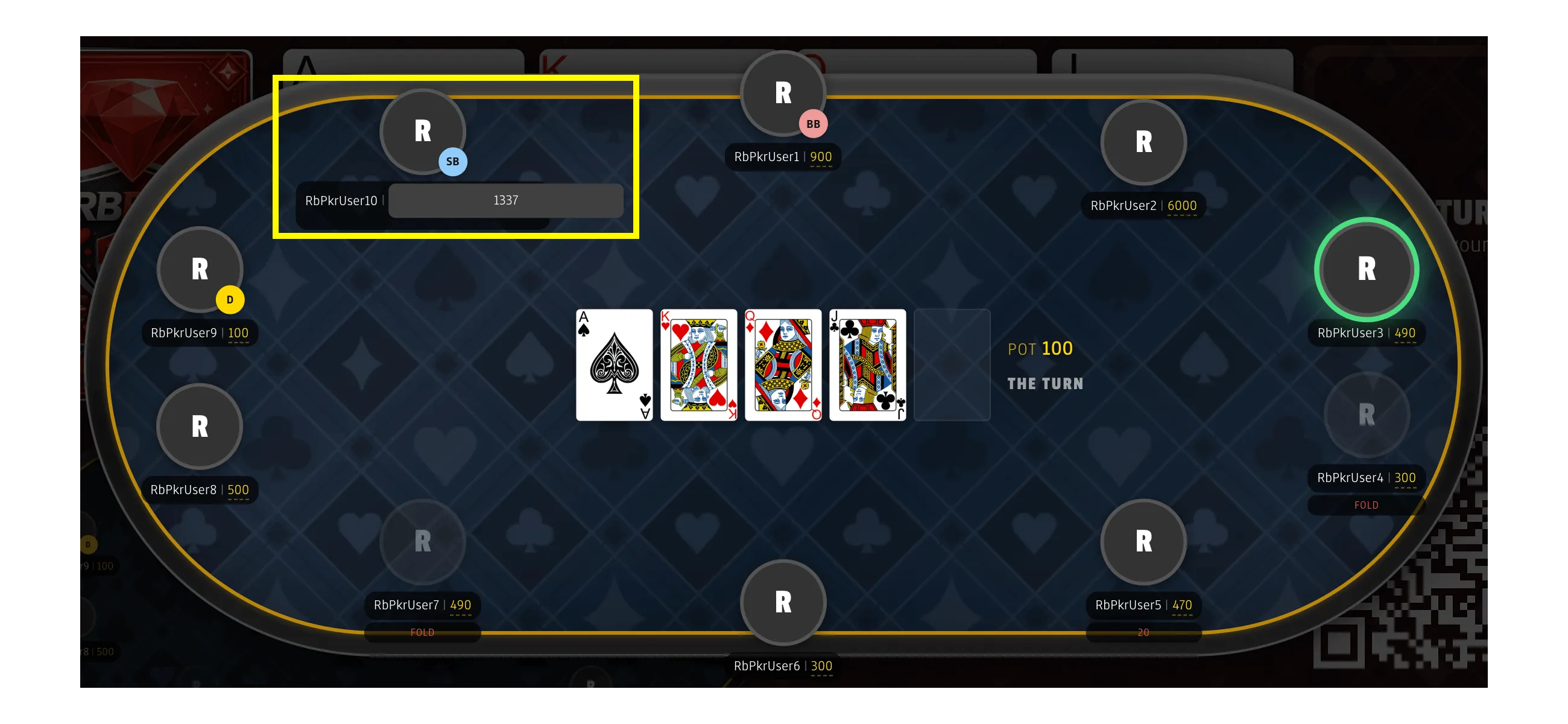
The manager can tap chip counts to correct stacks when someone rebuys or cashes out.
Playing the Game
Use the shared screen for community cards and the manager controls the flow. Each player keeps their phone private for hole cards while the table advances together.
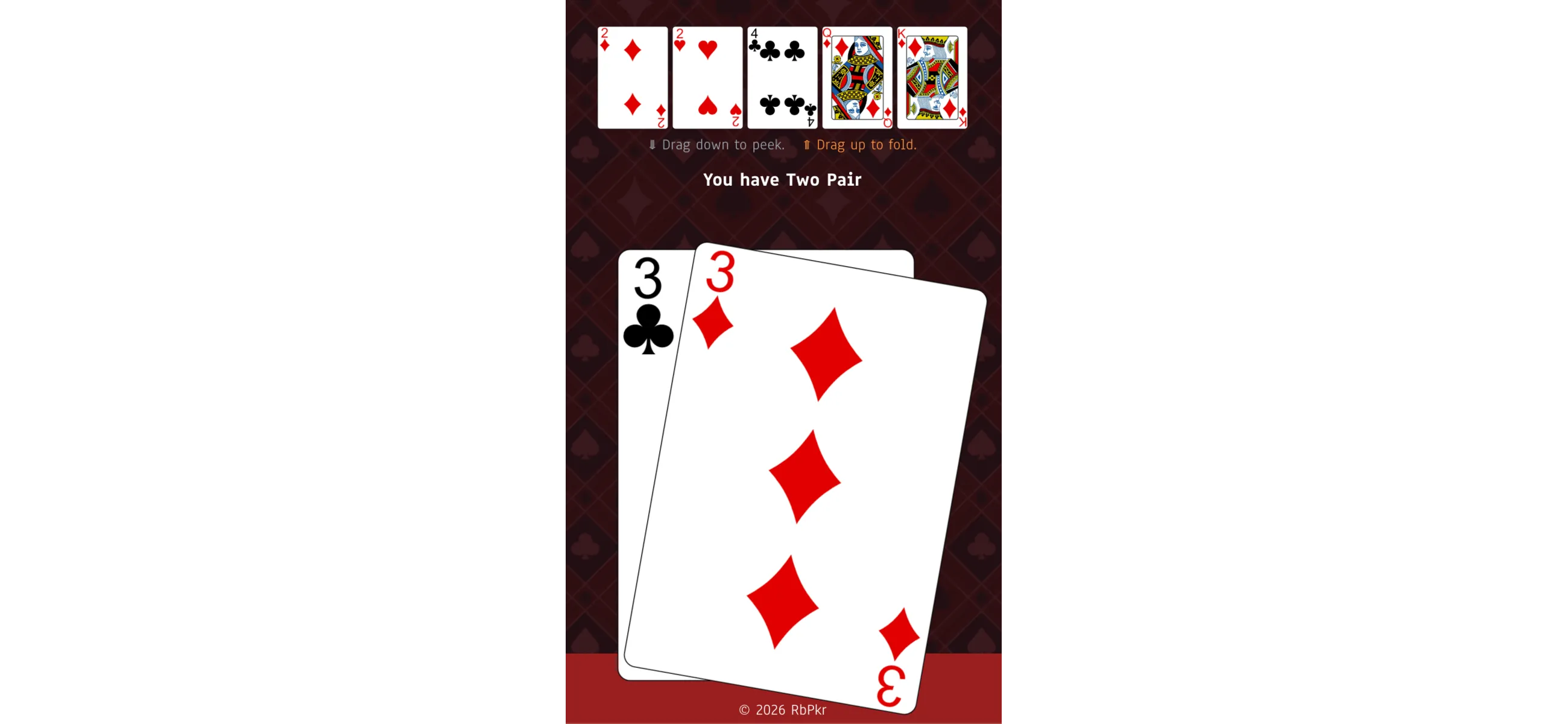
To peek, drag your hole cards downward on your phone. Release to hide them again.
A typical hand
- The game manager starts a new hand
- Players view their hole cards on their phones
- Betting happens at the table using chips or chip tracking
- The manager advances the game through flop, turn, and river
- The hand ends, the button moves, and the next hand begins
Ready to play?
If you're ready to deal your first hand, start a new game and share the room code with your group.
Related guides
- Poker rules — Texas Hold'em rules
- How to run a home game — Complete setup guide
- Poker app for home games — Why use a dealing app